Heated mouse pad buyers face a strange choice: warm one hand inside a fabric hood, warm both hands on a desk-sized mat, or park a small ceramic heater beside the mouse. My default pick is the Wolvio USB model because its enclosed shape directs modest USB power at the hand that is actually cold, but a large 80 x 33 cm mat is better if you type as much as you mouse.
Prices checked and links verified September 2026.
This page contains affiliate links. If you buy through these links, we may earn a small commission at no extra cost to you. Full disclosure.
I have not used these products. This guide compares published specifications, power methods, available dimensions, timers, temperature controls, and the space each design leaves for mouse movement. Several sellers do not publish wattage, which is a reason to be cautious rather than a blank to fill with a guess.
By Ryan Billings
Don’t want to read the whole article? Here are our quick picks.
1Best overall Wolvio USB heated mouse pad. Warms the mouse area with simple USB power.
2Best desk-sized value HZXINWANG 31.5-inch heated desk pad. Covers more desk space for hands and wrists.
3Best timer choices ciciglow heated desk pad. Adds adjustable heat with several timer settings.
4Best hot-air design Nauttxon mouse hand warmer. Blows warm air around the mouse hand.
As an Amazon Associate I earn from qualifying purchases.
Table of Contents
- USB vs Wall-Powered Pads
- Heated Mouse Pad Comparison
- Five Current Picks
- Mouse Tracking and Wrist Comfort
- Who Should Skip This
- Our Pick
- Heated Mouse Pad FAQ
- The Short Version
USB vs Wall-Powered Pads
USB works best for a small enclosed pad. Wolvio does not publish wattage on its current listing, but it draws power through USB and warms a 35 x 25 cm hood around one hand. That arrangement retains heat instead of trying to warm an entire keyboard area. The USB Implementers Forum lists 2.5 watts for a standard USB 2.0 high-power port, although a specific charger or newer port may negotiate more.
Wall-powered desk mats cover far more area. The tulpock, ciciglow, and HZXINWANG models are large enough for a keyboard, mouse, and both forearms. Their sellers advertise three to five temperature levels and automatic shutoff. The downside is that wattage is absent from the accessible listings, even though a North American plug is shown.
Nauttxon takes a third route. Its 100-watt PTC heater blows warm air through a folding hood over the mouse area. It is more powerful and lists tip-over and over-temperature protection, but it occupies a tall 8.1-inch-wide space and restricts sweeping mouse movements.
Heated Mouse Pad Comparison
| Product | Form and size | Power | Heat and timer | Buy |
|---|---|---|---|---|
| Wolvio USB heated mouse pad | Hand hood, 35 x 25 cm | USB, wattage not disclosed | 110°F, 130°F, 145°F; 2, 4, or 8 hours | Check price |
| HZXINWANG heated desk pad | Flat PU mat, 80 x 33 cm | Not disclosed | Five levels; 4-hour shutoff | Check price |
| ciciglow heated desk pad | Flat PU mat | Not disclosed | Three levels; 1, 2, or 4 hours | Check price |
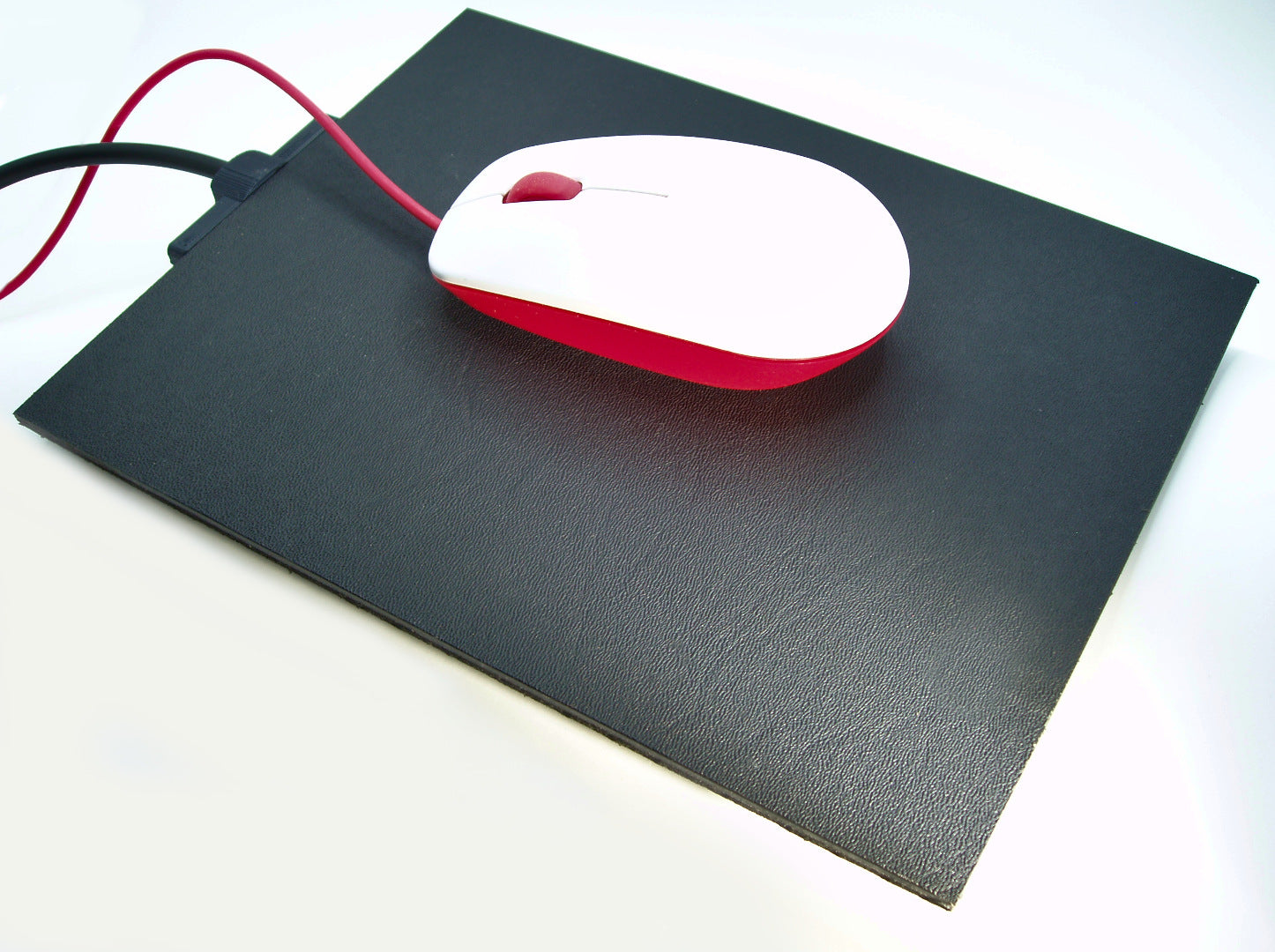
| tulpock 31.5-inch heated desk pad | Flat PVC leather mat, 80 x 33 cm | Not disclosed | Three levels; 4-hour shutoff | Check price |
| Nauttxon hand warmer | Hot-air hood, 8.1-inch mouse area | 110 V, 100 W | 100°F, 120°F, 140°F | Check price |
The table uses seller specifications, not measurements. Check each retailer page for current prices and availability.
Five Current Picks
1. Wolvio USB: Best Overall
Wolvio’s fabric hood keeps warm air around the back and palm of the mouse hand. It includes three temperature settings, three timer choices, and a built-in wrist rest. Its compact footprint distinguishes it from the desk-sized alternatives. Check the retailer page for current availability.
The 13.8 x 9.8-inch footprint is enough for normal office movement, but a low-sensitivity gamer may run out of room. Heat is also one-sided. Your keyboard hand receives nothing, which turns “best overall” into “best for a cold mouse hand.”
2. HZXINWANG: Best Desk-Sized Value
This 31.5 x 13-inch mat puts the keyboard and mouse on one heated surface. It offers five temperature levels, over-current and over-voltage protection claims, a one-hour movement reminder, and a four-hour shutoff. when checked, it was cheaper than several much smaller products.
The listing does not publish wattage or identify a recognized North American safety certification. Faux leather can also feel tacky against bare forearms. It is a value choice with thinner documentation, not a bargain with no trade-offs.
3. ciciglow: Best Timer Choices
ciciglow gives you one, two, or four-hour timer choices rather than a fixed four-hour cutoff. Its listing also names three heat levels, a PU leather surface, and a five-second warm-up claim. Check Amazon.ca for the current price and availability.
The seller does not disclose dimensions or wattage clearly in the accessible specification block. “Low power consumption” is marketing, not an electrical figure. Buy it for timer flexibility, not for unusually strong documentation.
4. tulpock: Best Simple Full-Size Mat
The current tulpock mat measures 31.5 x 13 inches, offers three heat levels, and shuts off after four hours. Its seller claims a 15-second warm-up and CE, FCC, and RoHS compliance. when checked, it sits close to the middle of this group.
The listing still does not publish wattage or exact temperature values. HZXINWANG costs less and offers finer control, so tulpock makes sense only if its simpler interface or current delivery date is preferable.
5. Nauttxon: Best Hot-Air Hand Warmer
Nauttxon uses a 100-watt ceramic heater and folding hood rather than a heated pad. Three settings reach a stated 100°F, 120°F, or 140°F, while tip-over and over-temperature protection address the obvious risks of putting a small heater on a desk.
The trade-off is mouse freedom. The working area is 8.1 inches across and the hood rises 6.3 inches, so wide gaming sweeps and a low monitor may conflict with it. It also costs more than a USB hood and draws far more power.
Mouse Tracking and Wrist Comfort
A flat warming surface should track much like any other smooth PU desk mat, but sensor behaviour varies by mouse and surface. Logitech’s optical-mouse guidance explains that transparent, reflective, deeply grooved, and some wood-grain surfaces can disrupt tracking. If your cursor skips, test the mat at room temperature first and clean the sensor before blaming heat.
The Wolvio includes a wrist rest, but that does not guarantee good wrist position. A thick rest can push the wrist upward when the keyboard or mouse is already too high. Our wrist rest ergonomics guide explains why support should sit under the palm during pauses instead of pinning the wrist while you move.
Large mats have no raised rest, which is often better for low-profile mice and broad forearm movement. They also replace your normal desk mat. Compare the texture with the surfaces in our best desk mat guide before choosing warmth over glide.
The category has one useful manufacturer-direct benchmark. The Canadian Hotmousepad raises its small surface toward body temperature, uses a low-voltage supply, and shuts down after 20 minutes without detected motion. The desk-sized LUMI MP07-20 shows the other end of the design range with an 80 x 32 cm surface and five stated levels from 35°C to 55°C. Those published specifications are the kind Amazon-only sellers should provide.
Who Should Skip This
Skip this category if both hands and your upper body are cold, your desk already traps laptop heat, or liquids frequently reach your mouse area. A foot warmer or a safely placed personal heater addresses a larger comfort problem. Competitive gamers using very low sensitivity should also avoid enclosed hoods unless the usable area matches their normal sweep.
Cold feet are only one part of the winter desk problem. Compare the best under desk foot warmer designs before choosing a heater.
If your feet and legs both feel cold, the under desk heater guide compares radiant panels and fan heaters with a safety-first approach.
Our Pick
Our pick: Wolvio’s USB heated mouse pad is the least complicated way to warm one mouse hand. Choose the HZXINWANG mat if you need both hands on a warm surface and accept its thinner electrical documentation.
As an Amazon Associate I earn from qualifying purchases.
Heated Mouse Pad FAQ
Will heat damage an optical mouse?
These products are sold for computer-mouse use, but follow the mouse maker’s operating-temperature limits and keep charging docks or batteries off hot zones unless both manufacturers allow it. Stop using the mat if the mouse, cable, or battery becomes unusually hot.
Is USB or wall power better?
USB suits a small enclosed hand warmer. Wall power is more practical for an 80 cm desk mat or a 100-watt air heater. A wall-powered model should publish voltage, wattage, and automatic shutoff details.
Can a heated desk mat sit under a laptop?
I would keep laptops, power bricks, battery chargers, and other heat-producing electronics off the active heating area unless the mat maker expressly approves them. Use the warm zone for hands, not as a second heat source under electronics.
How much power does a heated pad use?
It varies dramatically. Wolvio is USB powered but does not state wattage. Nauttxon states 100 watts. The large flat mats in this comparison do not publish a clear wattage in their accessible specifications, so buyers should ask rather than assume.
The Short Version
Buy Wolvio for one cold mouse hand, HZXINWANG for inexpensive full-desk coverage, or ciciglow for flexible timer settings. Reserve the Nauttxon hood for people who value surrounding hot air more than unrestricted mouse movement. The best heated mouse pad is the one whose power method, timer, usable area, and placement rules fit your actual desk.