
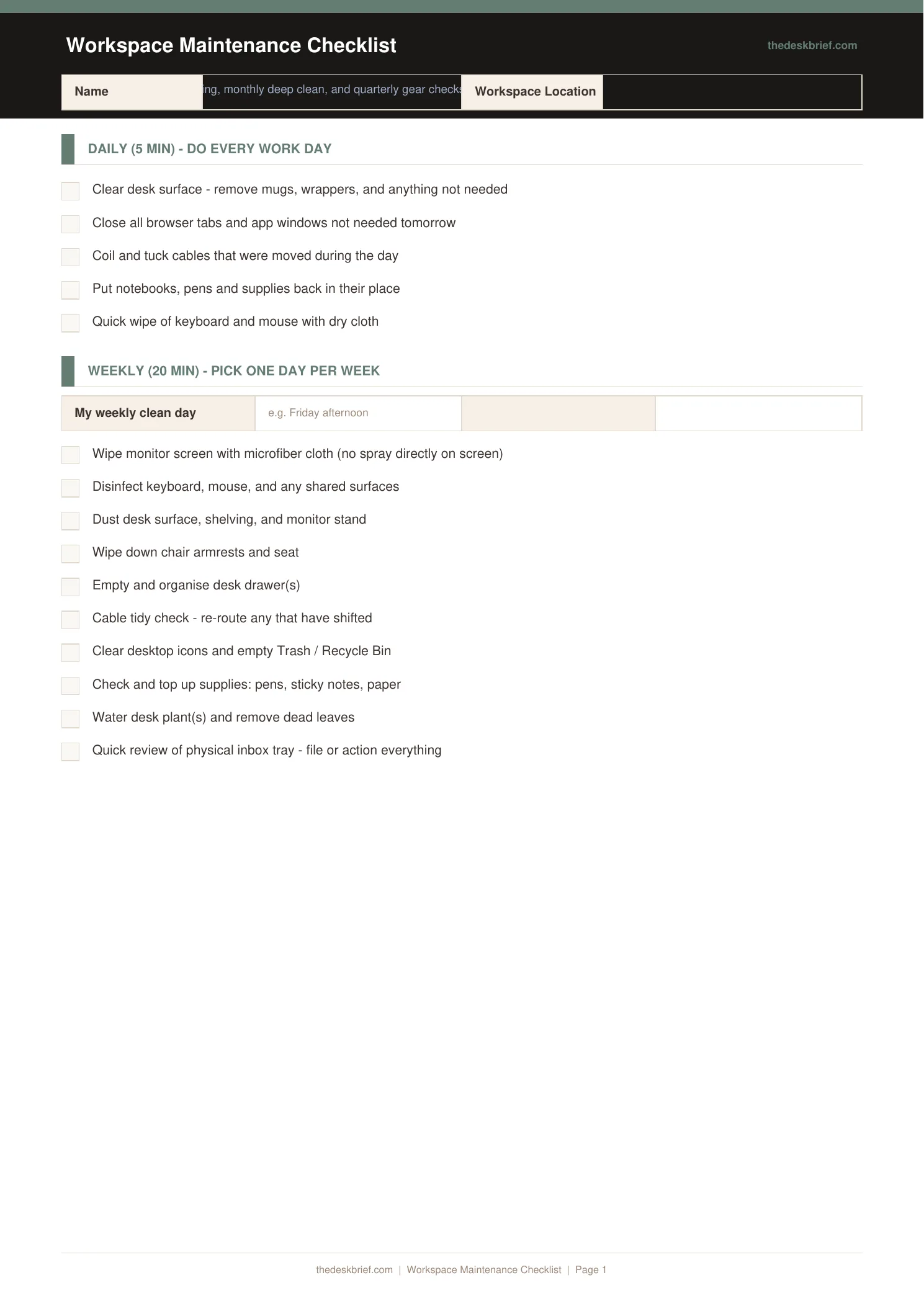
A poorly maintained workspace quietly degrades your performance. This checklist covers weekly, monthly, and quarterly maintenance tasks for your home office hardware, cables, ergonomics, and supplies.
What’s Inside
- Weekly tasks: keyboard and mouse cleaning, monitor wipe-down, cable check, supply restock
- Monthly tasks: dust laptop or PC vents, deep clean peripherals, check ergonomic settings
- Quarterly tasks: firmware and driver updates, backup verification, full cable audit
- Notes section for equipment issues and upcoming purchases
Print tip: Works on standard letter (8.5×11″) or A4 paper. Print at 100% scale with no page scaling. Designed to be printed and filled in by hand.
How to Use This Template
- Print the checklist and post it at your desk. Visible checklists are used; filed checklists are forgotten.
- Schedule the monthly tasks on the first Monday of each month. Attaching maintenance to a recurring calendar event is the only way to make it consistent.
- Do not skip the cable check. Cables with loosened connections cause intermittent failures that are time-consuming to diagnose. 10 seconds per cable per month prevents this.
- Log equipment issues in the notes section when they occur, not when you have time to deal with them. By the time you have time, you will have forgotten the details.
Frequently Asked Questions
How often should I clean my keyboard?
A light compressed-air cleaning weekly and a proper cleaning with keycap removal monthly if you use it daily. Dust and debris under keys affect switch feel and reliability over time.
What does quarterly backup verification mean?
Restoring a test file from your backup to confirm it is actually working. Many people assume their backup is running when it stopped months ago. Verification is the only way to know.
Should I update firmware and drivers as soon as they are released?
For security-critical updates, yes. For non-critical firmware, wait 2-4 weeks after release to let early-adopter issues surface before updating production equipment.
Is this checklist free?
Yes, completely free. No email required. Print and post at your desk.