
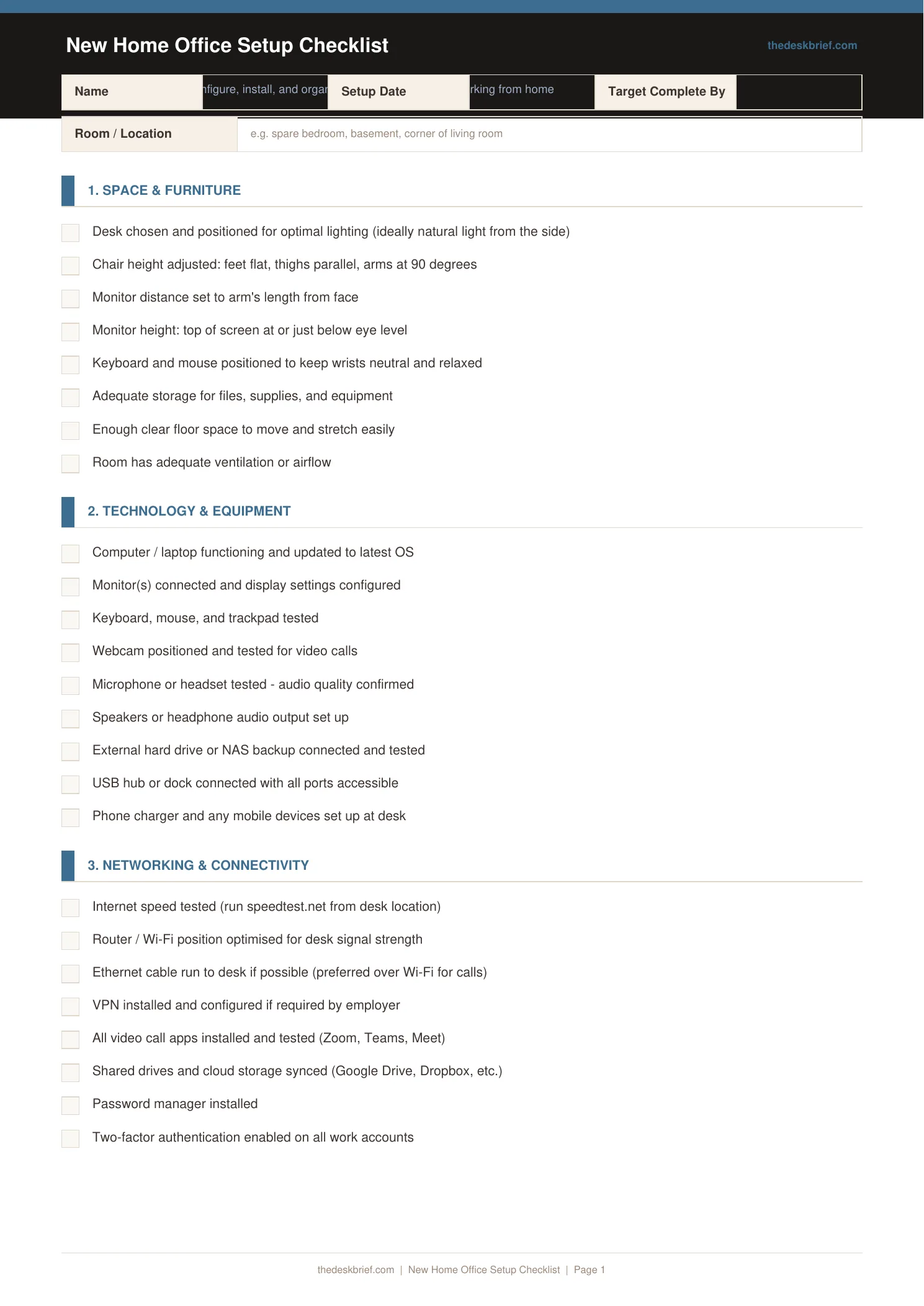
Setting up a home office without a checklist means discovering what you forgot on your first working day. This checklist walks you through every category so nothing is overlooked before you start.
What’s Inside
- Furniture and layout: desk, chair, shelving, cable routing, and floor space
- Technology: computer, monitor, keyboard, mouse, webcam, microphone, and speakers
- Ergonomics: monitor height, chair height, lumbar support, wrist position, and lighting
- Organisation and environment: storage, power, internet connection, and comfort accessories
Print tip: Works on standard letter (8.5×11″) or A4 paper. Print at 100% scale with no page scaling. Designed to be printed and filled in by hand.
How to Use This Template
- Work through the checklist categories in order: furniture first, then tech, then ergonomics, then organisation. The sequence matters because ergonomics depend on chair and desk heights being fixed before you position monitors and keyboards.
- Check off each item only when it is physically in place and tested, not when it is ordered or arriving. An uninstalled item is not a complete item.
- Photograph your setup once fully complete and store the photo with your warranty documents. This documents the initial configuration for insurance and future reference.
- Return to the ergonomics section after one full week of working in the space. You will notice adjustments needed that were not obvious before you had real working hours in the setup.
Frequently Asked Questions
What are the most important items to get right in a new home office?
Chair ergonomics and monitor positioning have the highest impact on daily performance and long-term health. Prioritise these over aesthetics or accessories.
In what order should I set up a home office?
Desk and chair first, then run power and network cables, then position and connect technology, then configure software and settings, then add organisation and accessories.
What internet setup should I have for home office work?
A wired ethernet connection to your desk is significantly more reliable than WiFi for video calls. If running a cable is not possible, a mesh WiFi system with a node near your desk is the next best option.
Is this checklist free?
Yes, completely free. No email required. Print one copy per setup project.