
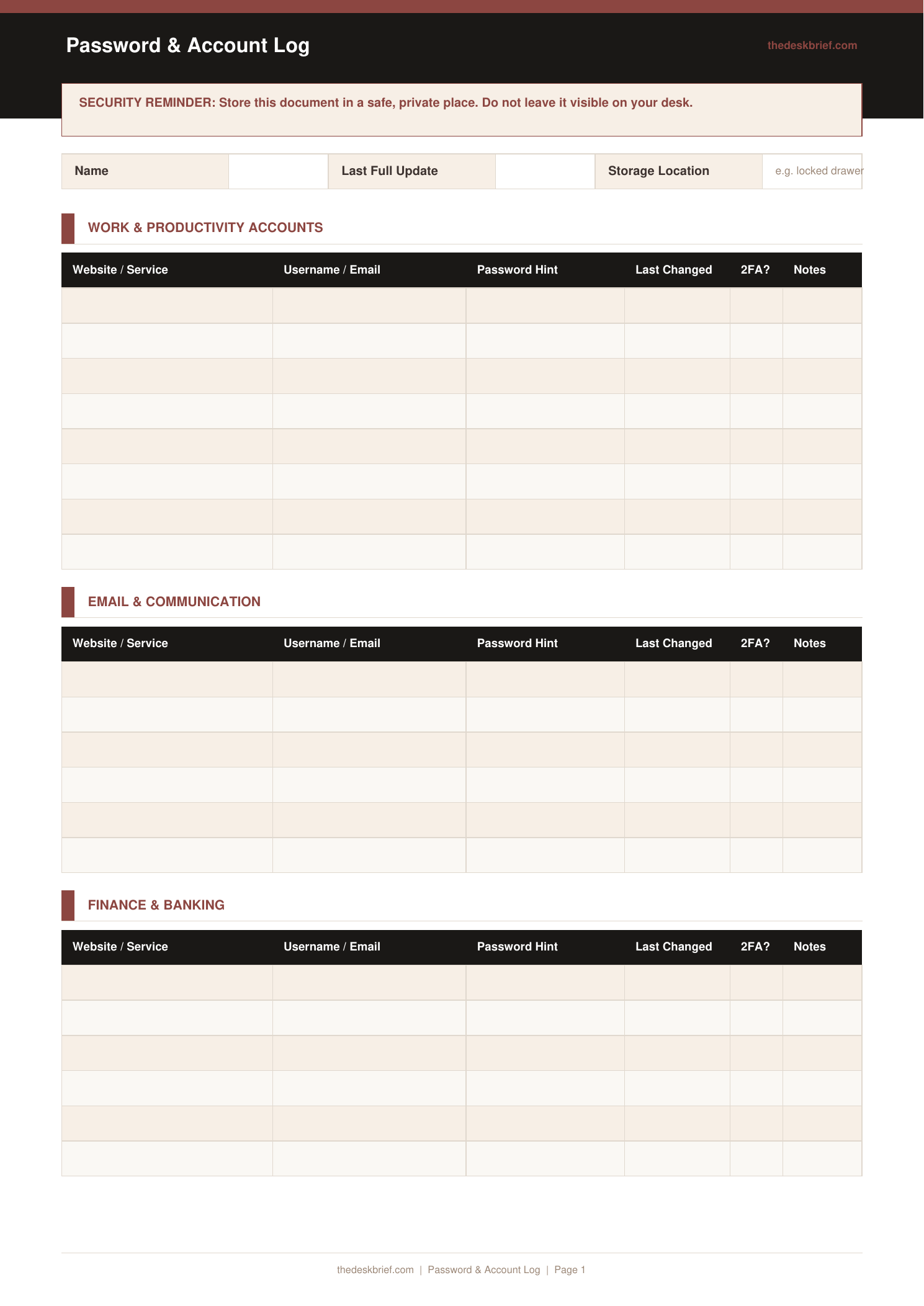
For people who prefer paper or need an offline backup for critical accounts, this A-Z log organises every account credential in a format you can actually find under pressure.
What’s Inside
- A-Z tabbed sections for alphabetical organisation
- Fields per entry: website, username/email, password, security hint, date last changed
- Notes column for MFA method, backup codes, or account flags
- Security reminder checklist: change passwords annually, use unique passwords, enable 2FA
Print tip: Works on standard letter (8.5×11″) or A4 paper. Print at 100% scale with no page scaling. Designed to be printed and filled in by hand.
How to Use This Template
- Do not write your actual password in plain text if the log could be seen by others. Use a coded hint that only you would understand.
- Fill in the Date Last Changed column. Passwords that have never been changed are statistically more likely to have been compromised.
- Note your 2FA method in the Notes column. Losing access to your 2FA app or phone number can lock you out of accounts permanently without this information.
- Store the log in a locked drawer or fireproof safe. An offline password log is only as secure as its physical storage location.
Frequently Asked Questions
Is a paper password log safe?
It depends on physical security. A paper log in a locked location is safe from remote hackers but vulnerable to physical theft. For most home office users, a digital password manager for daily use plus a paper backup for critical accounts is the most practical approach.
What should I not store in this log?
Bank PINs, full card numbers, and government ID numbers should not be stored in a generic password log. Keep those separately in a dedicated secure location.
How often should I update the log?
Whenever you change a password. Do not batch-update. The log becomes untrustworthy the moment entries are delayed.
Is this log free?
Yes, completely free. No email required. Print and store securely.