
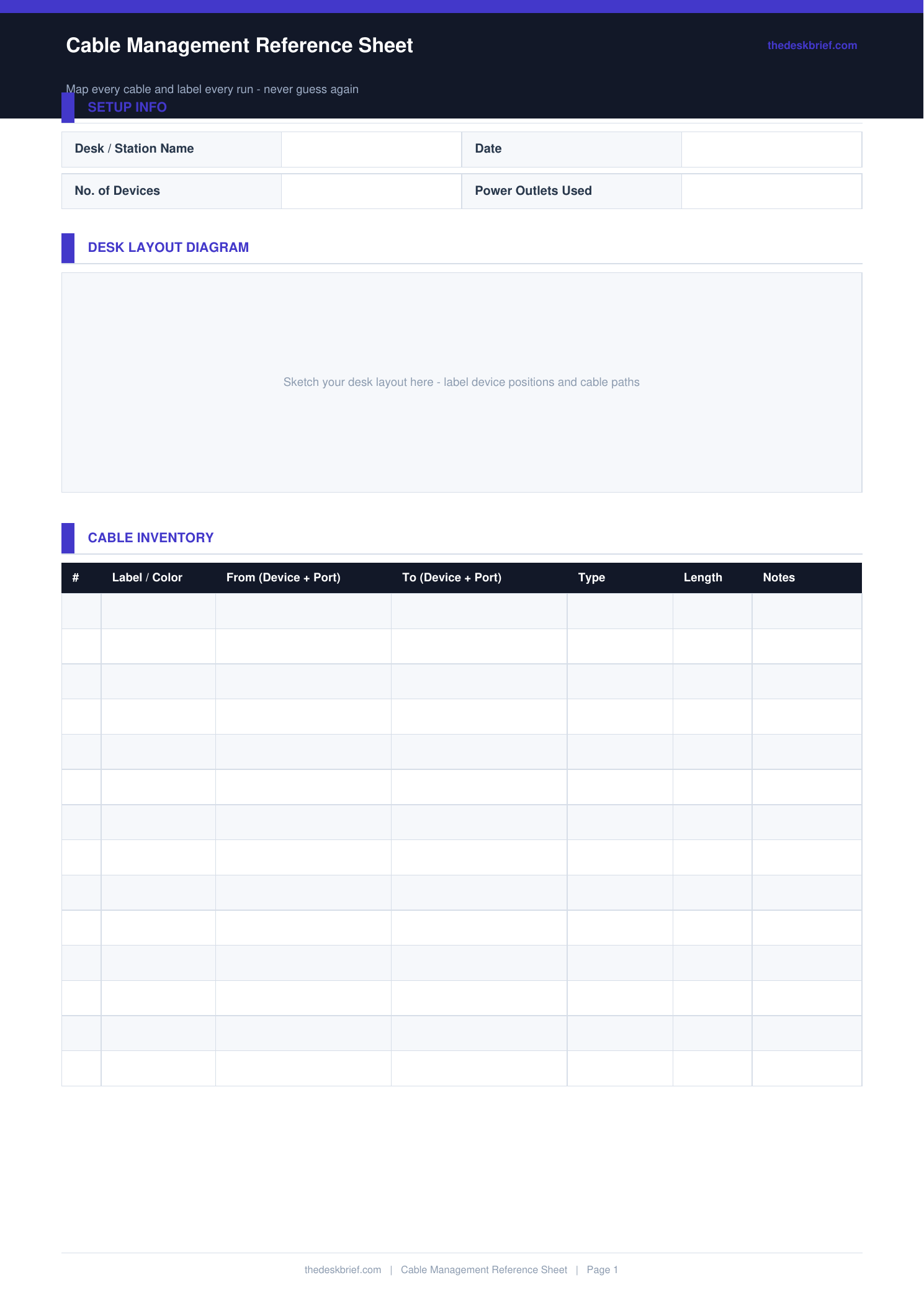
Cable clutter is one of the biggest sources of desk setup maintenance problems. This reference sheet maps every cable in your setup so troubleshooting takes seconds instead of 20 minutes of untangling.
What’s Inside
- 20-row cable log: cable type, from device, to device, length, colour, management method
- Desk sketch area: draw your cable routing paths and anchor points
- Power strip layout diagram: note which device is in which outlet
- Troubleshooting checklist for when a device stops working
Print tip: Works on standard letter (8.5×11″) or A4 paper. Print at 100% scale with no page scaling. Designed to be printed and filled in by hand.
How to Use This Template
- Fill in the cable log before you tidy the cables. It is much easier to trace and label cables when they are still accessible than after they are bundled and anchored.
- Label both ends of each cable with a piece of tape and a marker. The log tells you what a cable is; labels tell you without pulling out the sheet.
- Sketch the cable routing paths in the desk diagram area. Where cables run under the desk, through grommets, and along cable trays matters when you need to add or remove something.
- Update the sheet whenever you add, remove, or reroute a cable. An outdated reference sheet causes more confusion than no reference sheet.
Frequently Asked Questions
What cable management method works best for a desk setup?
Cable channels along the desk edge work best for a clean look. Cable trays under the desk for power strips. Cable spine sleeves for grouped monitor and peripheral cables. The best system is the one you will actually maintain.
Do I need to log every cable?
Log any cable longer than 0.5 metres or any cable that, if disconnected, would require troubleshooting to identify. Short patch cables between nearby devices do not need an entry.
How does the troubleshooting checklist work?
It guides you through a systematic check when a device stops working: check the power outlet, check cable connections end to end, check the device’s own power state. This prevents the common error of diagnosing the device when the cable is the problem.
Is this sheet free?
Yes, completely free. No email required. Print one copy and keep it accessible near your desk.
For the full setup process, use our desk cable management guide to choose trays, clips, sleeves, and routing methods before recording the finished layout here.