
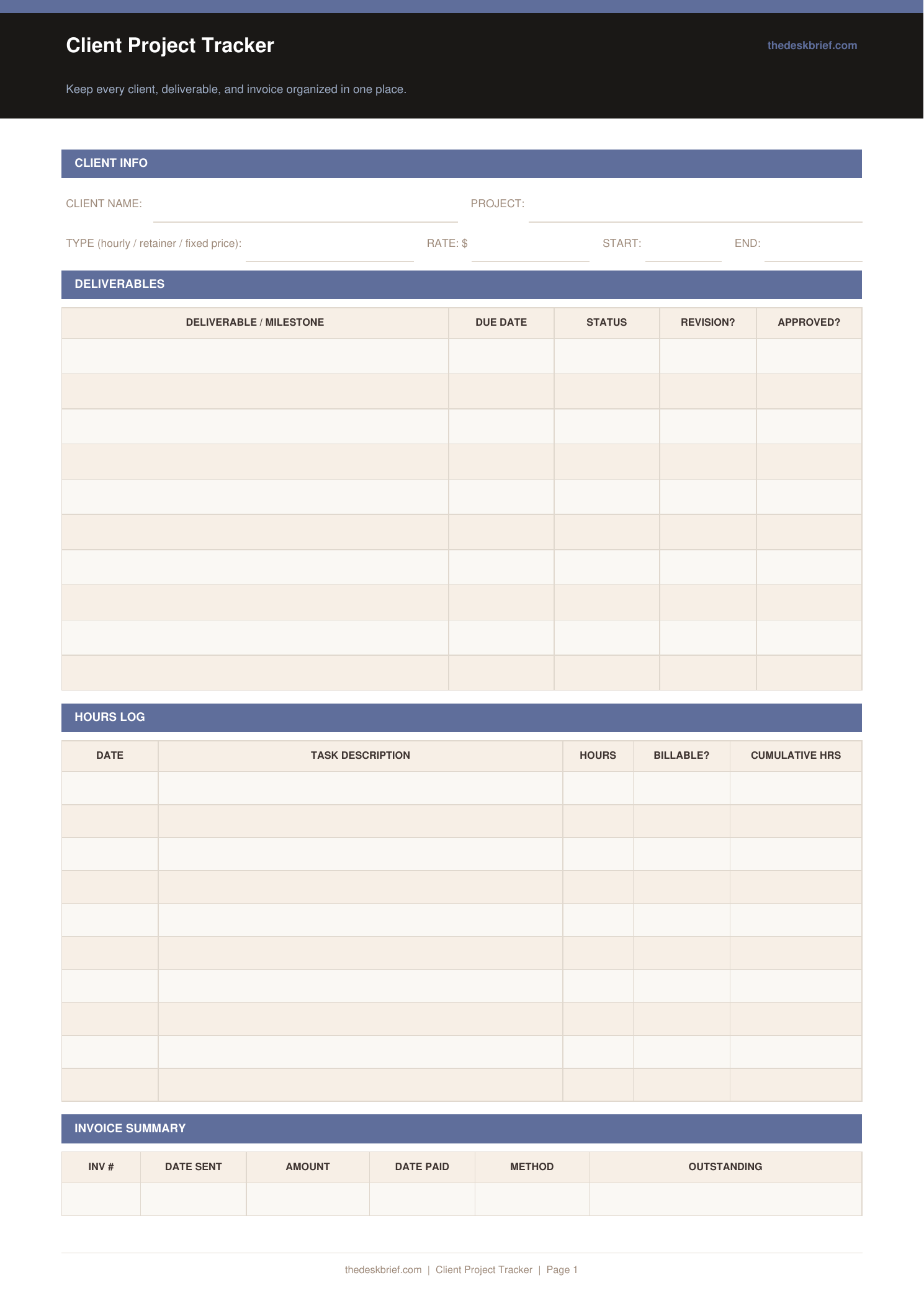
Keep every client’s deliverables, hours, and invoices organised in one place. No more digging through email threads to find what was agreed.
What’s Inside
- Client info header: name, project, type (hourly/retainer/fixed), rate, start and end dates
- 10-row deliverables table with due date, status, revision, and approval columns
- 10-row hours log with date, task, billable flag, and cumulative hours
- 5-row invoice summary with total invoiced, received, and outstanding boxes
Print tip: Works on standard letter (8.5×11″) or A4 paper. Print at 100% scale with no page scaling. Designed to be printed and filled in by hand.
How to Use This Template
- Fill in the client info header at project kickoff, before any work starts. Getting the scope and rate on paper early prevents disputes later.
- Add every deliverable to the table even if it seems small. Scope creep always starts with ‘just one quick thing’ that was never written down.
- Log hours daily, not weekly. Small gaps in memory compound into unpaid work over a long project.
- Review the Outstanding box before every client call so you are never chasing invoices mid-meeting.
Frequently Asked Questions
Should I print one tracker per client or per project?
One tracker per project works best. A long-term client with multiple projects gets one tracker per project so the hours and invoices stay cleanly separated.
What does the Revision column mean?
Mark it to track whether a deliverable required revisions after initial submission. Over time, this data shows you which types of work need the most back-and-forth.
How do I handle a project that goes over 10 deliverables?
Print a second copy and label it ‘Phase 2’. Staple them together with the client info page on top.
Is this tracker free?
Yes, completely free. No email required. Print one per project.